

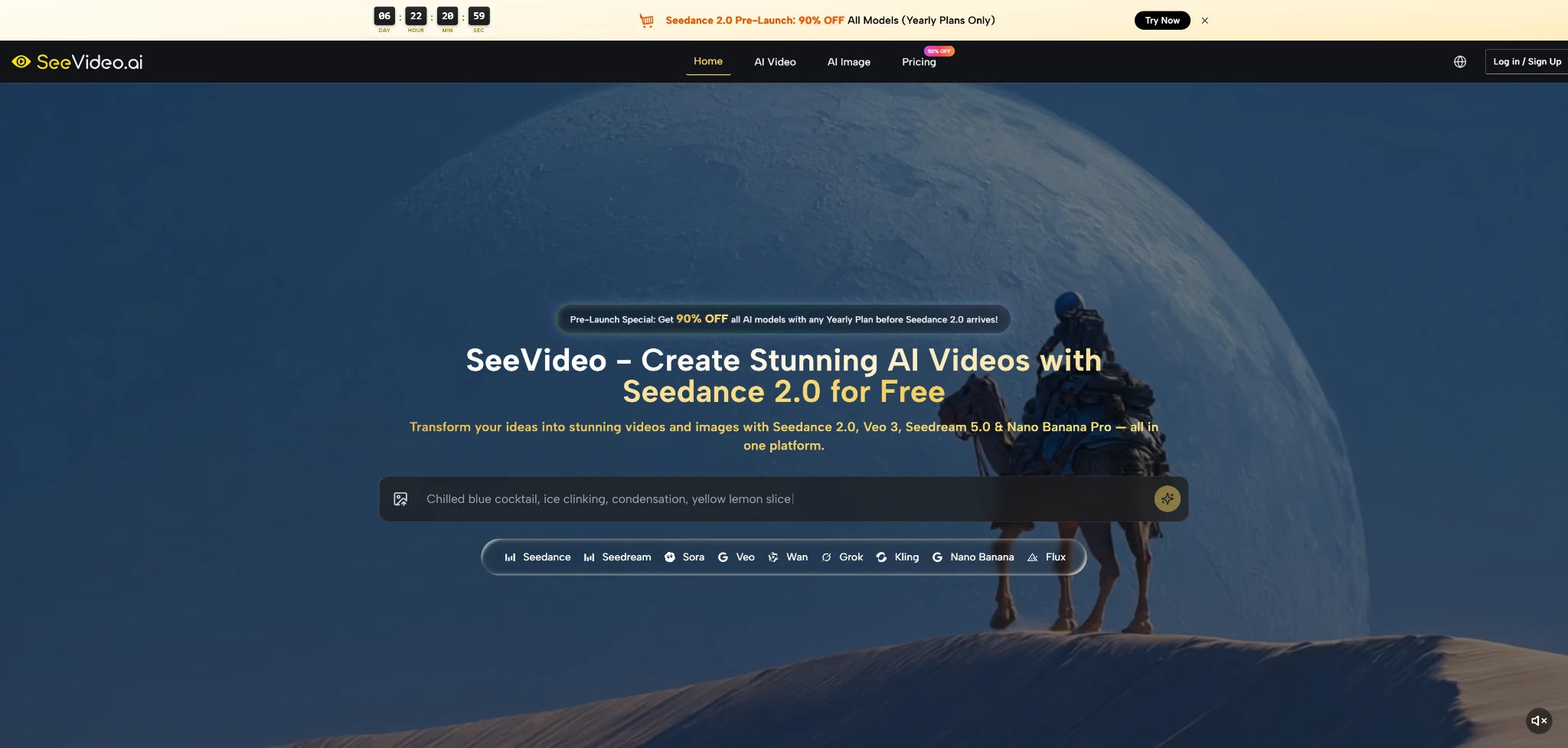
The most important shift in AI video is not that machines can now generate moving images. The bigger shift is that creators can test motion before committing to a full production path. A product idea, social campaign, YouTube scene, or visual mood can now be explored earlier, faster, and with less setup. That is why Seedance 2.0 deserves attention as part of a broader creative workflow rather than as another isolated model name.
The real promise of SeeVideo is not that it removes all production work. It does something more practical. It gives creators a place to move from static inputs into video concepts, while also offering access to multiple AI video and image models. That matters because many modern content projects begin with fragments: a prompt, a product photo, a rough scene idea, a music mood, or a reference image. The platform’s value is in helping those fragments become visual tests.
This article looks at SeeVideo from a concept-development angle. Instead of treating it like a magic video button, I evaluate how it can support the earliest and often most uncertain stage of creation: turning an idea into something visible enough to judge.
Early Visual Testing Changes Production Decisions
Before AI video tools became accessible, creators often had to make big decisions before seeing much. A brand might approve a storyboard before motion was tested. A seller might imagine a product video before knowing whether the scene works. A creator might plan B-roll without seeing the atmosphere. This made production slower and riskier.
AI video changes that by letting creators test ideas sooner. SeeVideo’s public positioning fits this shift well. It combines AI video generation and AI image creation, with models designed for different creative needs. Seedance 2.0 is presented as a key video model, while other models support different strengths such as native audio, cinematic style, motion, art direction, or image generation.
This kind of environment is useful because early-stage creative work is rarely linear. A user may begin with a still image, generate a motion test, realize the style is wrong, create a new visual reference, and then try a different video path. A multi-model workspace makes that process easier to manage.
A Concept Tool Should Reduce Guesswork
The best use of SeeVideo is not simply producing something that looks impressive. It is reducing the amount of guessing before a creator makes a bigger decision.
Seeing Motion Earlier Improves Direction
When a creator can preview movement, pacing, atmosphere, and subject behavior earlier, they can make better choices. Even an imperfect AI-generated clip may answer important questions: does this scene feel premium, playful, dramatic, realistic, or too artificial? That feedback has real production value.
A Practical Framework For Judging Output
A useful AI video review should not rely on broad praise. I would judge SeeVideo through five practical criteria: input flexibility, prompt understanding, motion readability, workflow continuity, and revision usefulness.
Input flexibility matters because creators do not always start from text. Sometimes the best starting point is an image, a product visual, or an audio-driven idea. Prompt understanding matters because the system needs to follow the user’s scene direction. Motion readability matters because a video can look detailed but still fail if the action is confusing. Workflow continuity matters because users often need image and video tools together. Revision usefulness matters because first generations are not always final.
Through that framework, SeeVideo’s strongest appeal is its structure. The platform is built for creators who need options: text-to-video, image-to-video, audio-supported video paths, and access to multiple models inside one creative setting. That does not guarantee perfect results, but it gives users more ways to reach a usable direction.
The Best Test Is A Real Brief
A real brief is more useful than a fantasy prompt. For example, “a soft daylight product video for a skincare bottle on a clean bathroom counter, slow push-in camera, subtle water reflection, calm premium mood” is easier to evaluate than “make a beautiful ad.”
Specific Briefs Reveal Platform Strengths
A specific brief lets the creator judge whether the model followed the subject, lighting, camera feeling, and mood. This is where practical testing becomes more honest. Instead of asking whether the output is generally good, the user can ask whether it solves the actual creative problem.
Official Steps For Building A Video Idea
The public workflow can be explained in a simple three-step process. It should stay simple, because the platform’s official pages focus on input, generation, and review rather than a complicated editing pipeline.
Step One Starts With Text Or Reference
The user begins by providing the creative source. This can be a text prompt, an uploaded image, or audio input depending on the chosen workflow and model capability.
Reference Quality Changes The Outcome
A clear source gives the model stronger direction. For text-to-video, that means describing the subject, action, setting, style, and motion. For image-to-video, the uploaded image helps define the visual base. For audio-supported use, the sound can help shape the generated video direction, but the visual brief still matters.
Step Two Generates The Video Direction
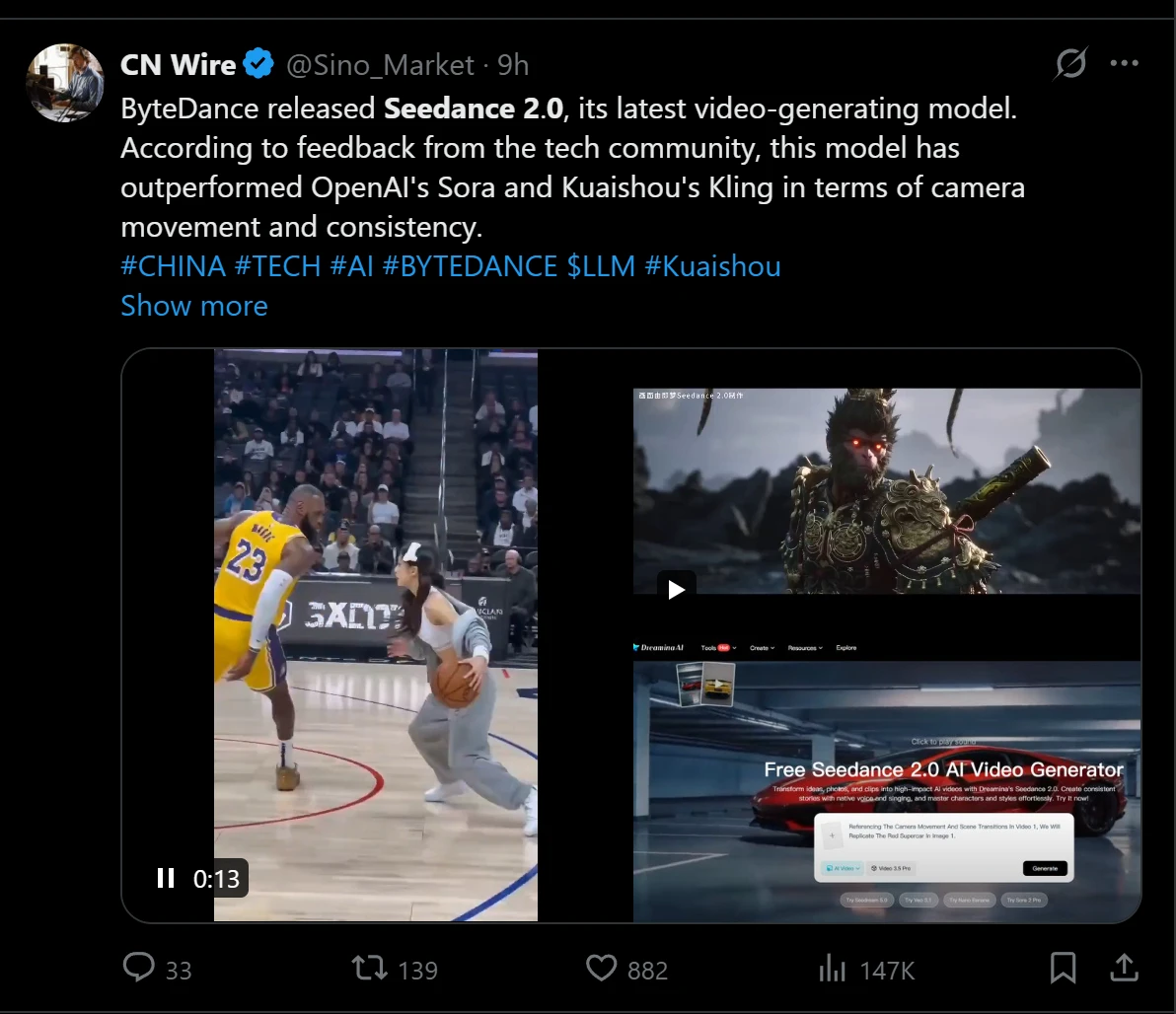
The platform then uses AI generation to create a moving result. Seedance 2.0 is positioned around text, image, and audio-to-video creation, with multi-scene generation as one of its highlighted strengths.
Generation Should Match Creative Intent
The user should choose or approach the generation path based on the project’s goal. A short social post, a product scene, and a cinematic concept may require different model strengths. The official platform structure supports this by presenting multiple AI video and image models in one environment.
Step Three Evaluates And Refines The Result
After generation, the creator reviews the clip against the intended use. This is where human judgment becomes essential.
Not Every Strong Clip Fits The Brief
A generated video may look attractive but still fail the task. The product might not be clear enough, the movement might feel distracting, or the style might not match the brand. The creator should treat the output as a visual candidate, then decide whether to regenerate, simplify the prompt, change the model, or use the clip as a direction reference.
Where Seedance Becomes Most Useful
Seedance 2.0 becomes most useful when the creative task needs more than a static transformation. It is presented as supporting text, image, and audio-based video creation, and its multi-scene positioning makes it relevant for creators who want a sense of sequence rather than a single motion effect.
In practical terms, Seedance 2.0 AI Video fits well when the user has a short narrative or visual progression in mind. That could be a product moving through a lifestyle scene, a social post with changing mood, or a campaign concept that needs more visual structure than one still frame can provide. From a user perspective, the model appears best approached with a clear brief and realistic expectations.
The important caveat is that multi-scene generation is still more demanding than simple motion. The more a prompt asks for, the more carefully the user should define subject behavior, scene relationship, and visual continuity. Complex prompts may require more than one attempt. This is normal for AI video and should be treated as part of the creative process.
Comparing SeeVideo Against Workflow Needs
The table below focuses on practical creative needs instead of exaggerated claims.
| Workflow Need | What Creators Usually Need | How SeeVideo Supports It |
| Idea validation | A fast way to see if a concept works | Turns prompts or references into motion tests |
| Visual variation | Multiple directions before choosing one | Offers several video and image model options |
| Product storytelling | Clear visuals that support selling points | Supports image-to-video and visual concept testing |
| Social content | Short clips with quick creative turnaround | Helps test mood, movement, and format quickly |
| Creative control | More direction than random generation | Rewards detailed prompts and strong references |
| Learning curve | A workflow non-specialists can understand | Uses prompt and reference-based creation paths |
What The Platform Does Not Automatically Solve
SeeVideo can make the early creative process faster, but it does not remove uncertainty. AI-generated motion can still vary between attempts. Subject details may shift. Hands, objects, reflections, or fine textures may need careful review. A scene with several characters, complex physical movement, or strict brand requirements may require multiple generations and human selection.
Another limitation is that prompt quality strongly affects output. The platform can provide access to capable models, but it cannot turn an unclear idea into a precise result without enough direction. Users should expect to write better prompts over time, especially for commercial or client-facing work.
There is also a difference between concept quality and final delivery quality. A clip may be extremely useful for planning, pitching, or social testing even if it is not ready for a polished brand campaign. That is not a weakness if the user understands the role of the tool. It is a reason to place SeeVideo in the right part of the workflow.
The Strongest Results Come From Narrow Tasks
AI video tends to perform better when the task is clear, focused, and visually grounded. Trying to create an entire commercial with too many moving parts in one prompt is more difficult.
Focused Scenes Are Easier To Judge
A focused scene gives the creator a clearer success standard. If the task is a product close-up, a short lifestyle moment, or a mood-based establishing shot, it becomes easier to judge whether the output works. That makes revision more efficient.
Best Fit For Real Creative Teams
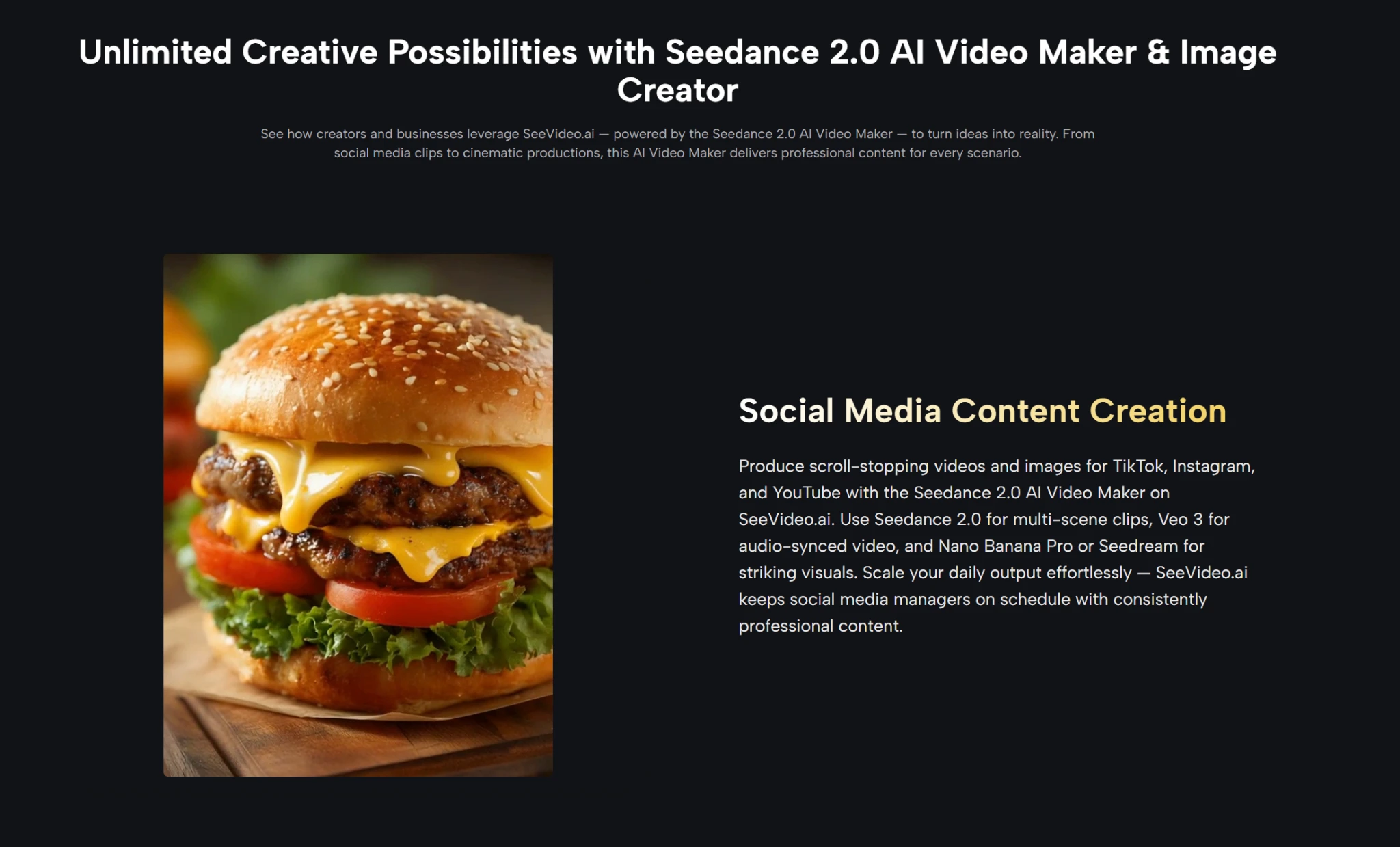
SeeVideo is best suited for users who need to make visual decisions quickly. A solo creator can use it to explore video ideas without opening a full editing workflow first. A social team can test campaign hooks. An e-commerce seller can turn product imagery into motion concepts. A YouTuber can create supporting visuals for storytelling. An agency can use it to compare creative directions before presenting options.
The platform is not best understood as a guaranteed replacement for filming, editing, or art direction. It is better understood as a creative testing layer. It helps users see possibilities earlier, compare model outputs more easily, and reduce the delay between idea and visual feedback.
That is a meaningful role. In a crowded AI video market, the winner for many users will not be the tool that sounds most dramatic on a landing page. It will be the tool that helps them make better creative decisions with less friction. SeeVideo’s combination of Seedance 2.0, multiple video models, and image creation support gives it a practical place in that workflow.
