

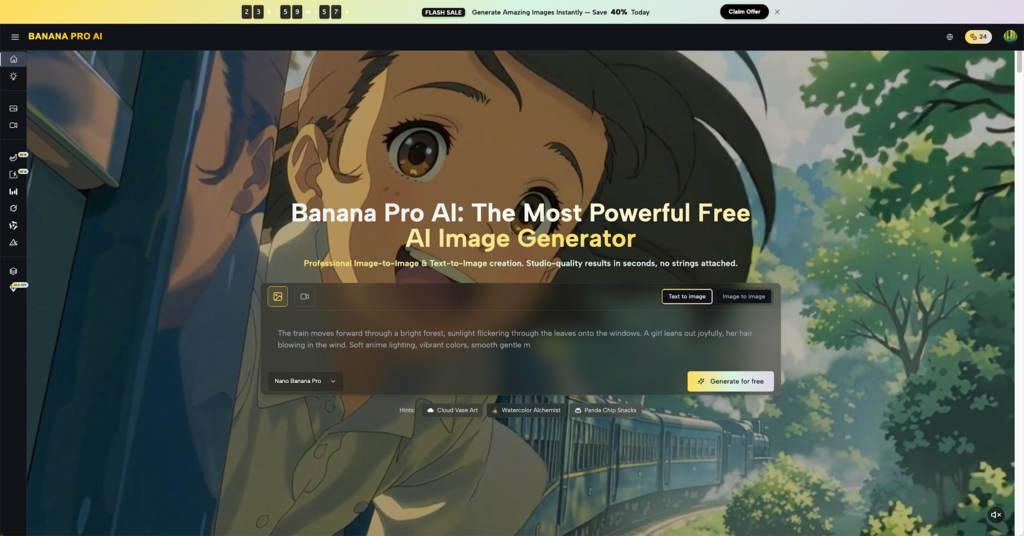
Getting that high-end movie look used to be a dream for anyone without a massive budget and a warehouse full of gear. But things have changed. Today, the secret to professional-grade visuals isn’t about how much money you spend, but how you talk to your tools. Many people find that their results feel a bit “off” or look too much like a cartoon. The truth is, the gap between a basic clip and a masterpiece is often just a few specific words. By mastering the right descriptive language, anyone can turn a simple idea into a visual feast using the Banana Pro AI Video Generator.
I. Mastering the Visual Language of Cinema
To make a video look like it belongs on the big screen, you have to move beyond just describing the “what” and start describing the “how.” Cinematic quality is defined by the physics of light and the shape of the frame.
- The Anamorphic Lens Effect
This is the king of all movie keywords. Traditional blockbusters are often shot with anamorphic lenses, which create a wider field of view and those famous horizontal light streaks. When you add “Anamorphic Lens” to your prompt, the Banana Pro AI Video Generator stretches the perspective to feel expansive. It gets rid of that narrow, “phone camera” look and replaces it with the epic scale of a theater screen.
- Implementing Volumetric Lighting
Lighting should never be flat or boring. In a real film set, crews often use smoke or haze to make light beams visible. Using terms like “Volumetric Lighting” or “God rays” tells the system to create light that has weight. Whether it is sunlight poking through a dark forest or a single streetlamp in a misty alley, this technique adds a layer of mood that makes the scene feel thick with atmosphere.
- Mastering High Dynamic Range (HDR) Description
Cinematic cameras capture a huge range of detail in both the brightest highlights and the darkest shadows. To mimic this, use words like “Deep shadows” or “High dynamic range.” This prevents your video from looking washed out. It ensures the blacks are rich and the highlights don’t just turn into white blobs, giving the final result a professional, polished finish.
II. Enhancing Texture and Realism
A common issue with generated content is that it looks too smooth, almost like plastic. Real film is organic and full of tiny imperfections that our eyes actually find comforting.
- Utilizing 35mm Film Grain
Too much digital perfection actually looks fake. To give your work some soul, specify “35mm film grain” or “Kodak Portra 400” in your prompt. This adds a subtle, gritty texture to the image. It makes the pixels look like physical film stock rather than just computer data. This is one of the fastest ways to give your Banana Pro AI Video Generator results a timeless, classic feel.
- Defining the Color Grade
Color tells the story before a single word is spoken. Instead of letting the AI pick random colors, you should take the wheel. Use “Teal and Orange” for that high-energy action vibe, or “Muted earth tones” for a serious drama. By defining the “Color Grade,” you ensure that Banana Pro AI keeps the mood consistent throughout the entire video, making it look like a professional colorist worked on it for hours.
- Capturing Micro-Details and Imperfections
Real life isn’t perfect. If you are generating a person, mention “Skin pores,” “Fine wrinkles,” or “Loose hair strands.” If it’s a city, add “Puddles with reflections” or “Worn-out brickwork.” These tiny details are what convince the brain that what it’s seeing is real. Banana Pro AI is great at rendering these nuances if you tell it exactly what to look for.
III. Dynamic Camera Movement and Direction
Static shots are often a dead giveaway of amateur work. In a real movie, the camera is always alive, moving to guide the audience’s feelings.
- The Power of the Dolly Zoom
Also known as the “Vertigo effect,” this is a classic move where the camera zooms in while physically moving away (or vice versa). It creates a sense of realization or unease. When you use this keyword, the Banana Pro AI Video Generator understands the complex spatial math needed to pull off this high-level maneuver, making your video look like it was directed by a pro.
- Specifying Handheld Realism
Sometimes, a perfectly steady shot feels too robotic. For scenes that need raw energy or a “you are there” feel, use the term “Handheld camera” or “Shaky cam.” This adds a slight, natural vibration that mimics a human operator holding a heavy camera. It adds a sense of urgency and “raw” truth that a tripod shot just can’t match.
- Utilizing the Low-Angle Hero Shot
If you want a character to look powerful or intimidating, the “Low-angle shot” is your best friend. By placing the “camera” below eye level and looking up, you change the power dynamic of the scene. It’s a simple trick used in every superhero movie, and it’s an easy way to add instant drama to your Banana Pro AI projects.
IV. Advanced Compositional Prompts
Where you place things in the frame is just as important as what those things are. Good directors use space to create balance, tension, or focus.
- Depth of Field and Bokeh
To make a subject really pop, you need to blur the background. Use terms like “Shallow depth of field” or “f/1.8 aperture.” This creates a “Bokeh” effect, where the background turns into soft, blurry shapes. This forces the viewer to look exactly where you want them to and is a hallmark of high-quality cinematography.
- The Rule of Thirds and Negative Space
Don’t just put everything in the middle of the screen. By prompting for “Asymmetric composition” or “Negative space,” you create a more sophisticated look. Leaving “empty” room in a shot can make a scene feel lonely, grand, or peaceful. It shows that the “cinematographer” had a plan for the frame.
- Leading Lines and Perspective
Use the environment to point at your subject. Mention “Leading lines” like a long road, a hallway, or a row of trees that disappear into the distance. This creates a sense of 3D depth on a 2D screen, making the world inside the video feel much bigger and more immersive.
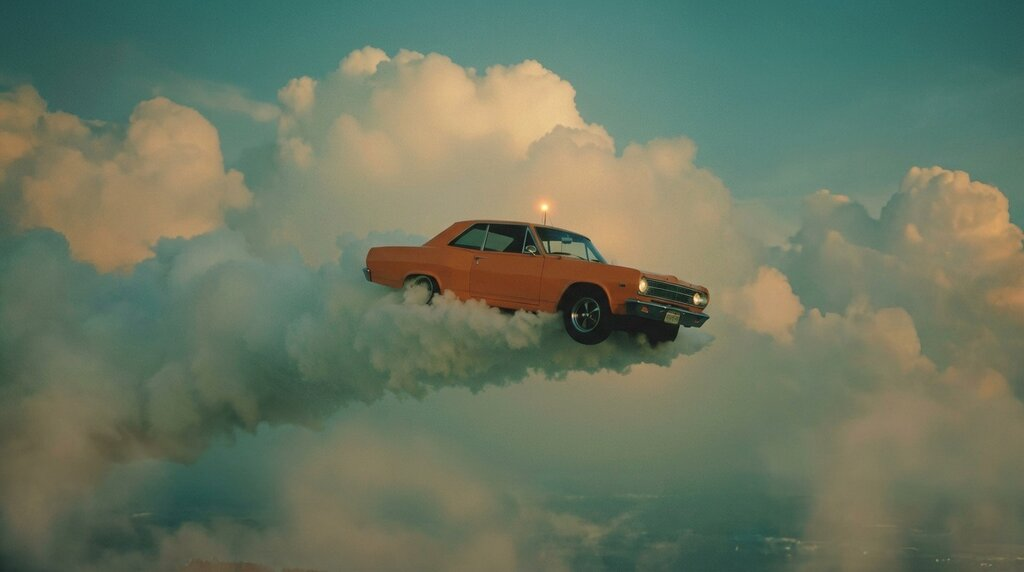
V. Putting It All Together with Banana Pro AI
Knowing the words is the first step, but the real magic happens when you combine them into a single, clear instruction.
- The Ultimate Prompt Formula
A great prompt usually follows a simple path: “Subject + Setting + Camera Action + Lighting + Texture.” For example:
“A lonely knight standing on a cliffside, slow dolly zoom, volumetric sunset lighting, 35mm film grain, anamorphic lens, 8k.”
When you provide this level of detail, Banana Pro AI has a clear map to follow, resulting in a video that looks like a high-budget production.
- Iteration and Refinement
The best part about using Banana Pro AI is that you can keep tweaking. If a shot is almost there but feels too “clean,” just go back and add more “Film grain” or “Lens flares.” Every small adjustment brings you one step closer to that Hollywood standard.
- Maintaining Narrative Consistency
If you are making a series of clips, keep your “visual keywords” the same. Use the same lens type and color grade for every prompt. This ensures that your story feels like it belongs in the same universe, which is the ultimate secret to professional-grade storytelling.
VI. Summary of Cinematic Success
Turning a standard AI clip into a cinematic experience is ultimately a matter of intent and specific vocabulary. By shifting from simple descriptions to professional directing cues, you move away from generic results and toward intentional art. Using the Banana Pro AI Video Generator allows anyone to bridge the gap between a hobbyist and a professional filmmaker by applying terms like “Anamorphic,” “Volumetric,” and “Dolly Zoom.” This democratization of high-quality storytelling means that the only limit is the creator’s imagination. Whether through a specific color grade or the subtle grain of a 35mm lens, every choice influences how the audience feels. With Banana Pro AI, these professional choices are finally at your fingertips, allowing you to create the high-caliber footage you’ve always wanted to see without the need for a Hollywood studio.
