

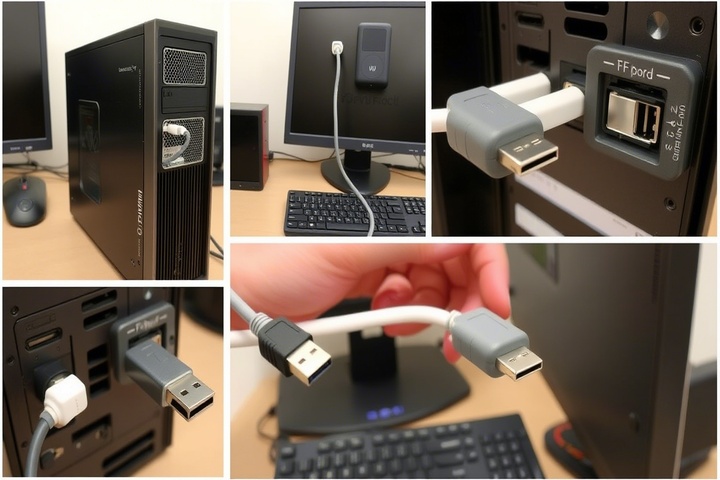
COM ports might seem old, but they are still very important in factories, for checking equipment, and for using older systems. Many critical devices, from sensors to controllers, still rely on them. However, problems with COM ports can stop work, especially when many programs or remote systems need to use them.
COM Port Errors That Keep Showing Up
Here are the common problems technicians run into:
- Port Conflicts: This happens when two different programs fight over the same COM port.
- Driver Problems: A classic problem is when the drivers are missing or outdated. The result is a total miscommunication, as if the computer and the device are now using different languages.
- Wrong Settings: The connection settings, like speed or parity, don’t match.
- Virtual Port Issues: Sometimes, the virtual ports created by software don’t act the way a physical port would, causing unexpected glitches.
These problems can cause lost data, devices that don’t respond, or a complete loss of connection.
Finding the Cause of Conflicts
First, look in your computer’s Device Manager to see the status of your ports. If a port is listed as “in use,” the first step is to track down which application has it locked. Special tools can help you watch the traffic and see active connections in real time.
A virtual splitter is the perfect solution when you have several programs that all need to communicate with a single device, letting you share COM Port access. This smart approach gives multiple applications access to the port at the same time, ensuring their data stays neatly organized and doesn’t get mixed up.
Handy Fixes to Try
Here is a straightforward checklist to follow:
- Get New Drivers: Download the most recent drivers directly from the manufacturer’s website.
- Switch the Port: If there’s a clash, simply move the device to a new, unused COM port number.
- Set Up Virtual Ports: Special software can create these, allowing several programs or a remote machine to access the device.
- Confirm the Connection: Open a basic terminal program, send a test message, and make sure it arrives correctly.
- Check the Data: Watch the information being sent. Look for any errors or information that wasn’t sent correctly.
A Helpful Tip
Good tools are key to fixing serial connection issues. The right software makes the job much simpler. Good tools make the job much easier. With AGG Software’s tools, you’re in the driver’s seat for all your COM port tasks. Do you need to watch your data flow, check your devices are working, or let different programs share COM Port access? These tools were built for exactly that. They’re reliable, easy to handle, and work seamlessly with the industrial setups you have running right now.
Where This is Used in the Real World
- Test Labs: Multiple testing stations reading data from one sensor.
- Network Centers: Monitoring equipment through virtual serial links.
- Control Rooms: It links older gauges and meters to modern monitoring systems.
- On-Site Work: Technicians recording data from GPS devices.
In every case, fixing the COM port issue keeps the data moving and the system running smoothly.
To Sum Up
Fixing COM port issues isn’t just about solving errors. The main aim is to help your devices and programs talk to each other easily, without any problems or interruptions.
When technicians use the right tools and methods, they can:
- Fix port conflicts
- Safely share COM Port access
- Keep their serial connections working properly every day
